Enjoy a seamless shopping experience with your RBL Bank Credit Card on Samsung Pay.
Add your RBL Bank Credit Card to Samsung Pay, and just tap to pay for your purchases. It’s absolutely simple, secure and works almost everywhere!
Benefits of Samsung Pay
| Column 1 | Column 2 | Column 3 | Column 4 |
|---|---|---|---|
| Simple | Secure | Everywhere* | |
 |  |  |
*works almost everywhere
Add your RBL Bank Credit Card on Samsung Pay
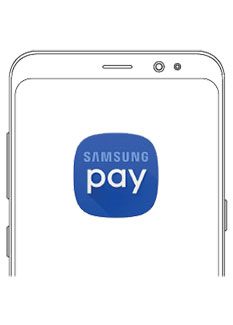
1. Register/Sign in to your Samsung Account.
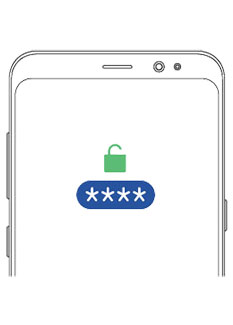
2. Set fingerprint/iris or Samsung Pay PIN.
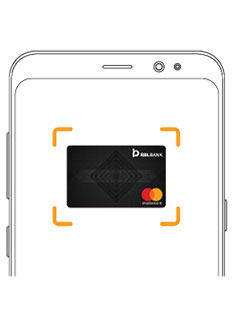
3. Tap on Credit/Debit Cards. Scan your Card or manually enter details.
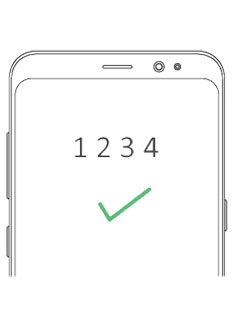
4. Enter the OTP to complete your registration.
Pay using Samsung Pay
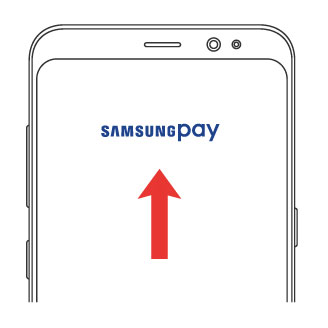
1. Swipe up to launch the app & select RBL Bank Credit Card.
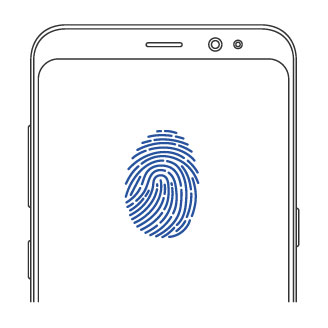
2. Authenticate the payment with your fingerprint/iris or the 4 digit Samsung Pay PIN.
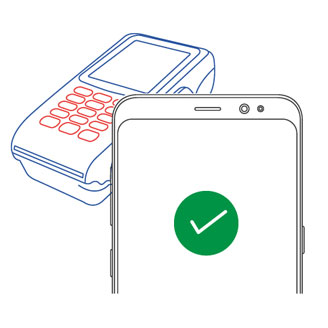
3. Place your phone next to the card machine & your payment is made!
Compatible devices
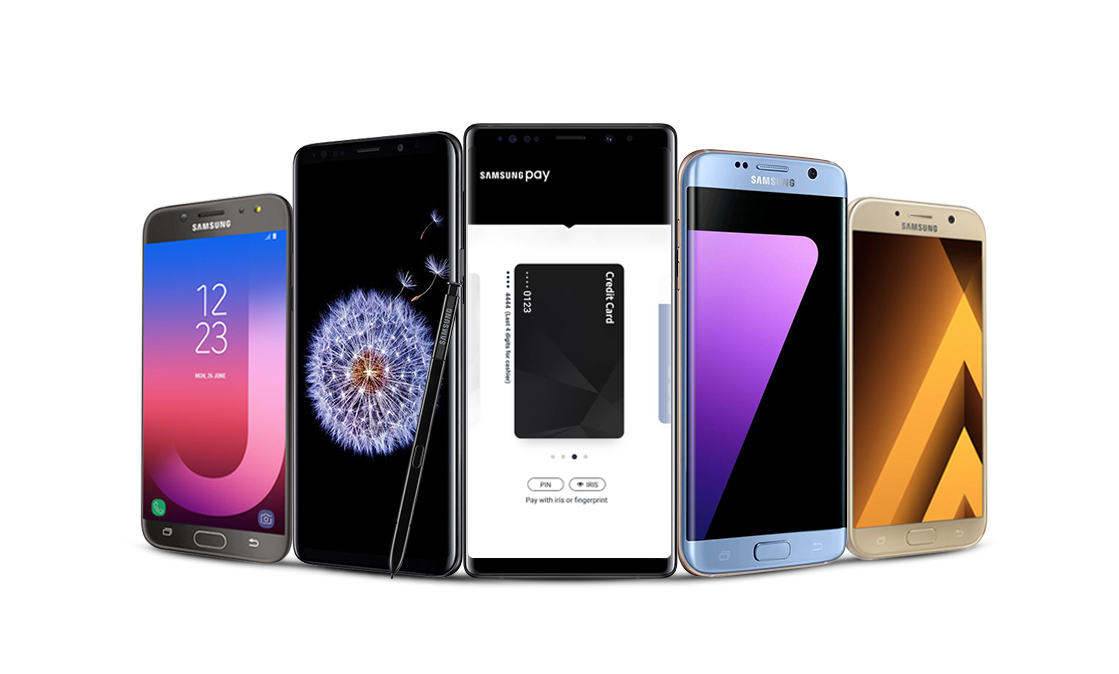
| Column 1 | Column 2 | Column 3 | Column 4 |
|---|---|---|---|
| Galaxy S8+ | Galaxy A5 (2017) | Galaxy Note 5 | |
| Galaxy S7 edge | Galaxy J7 Pro | Galaxy A5 (2016) | |
| Galaxy S8 | Galaxy A7 (2017) | Galaxy S7 | |
| Galaxy S6 Edge+ | Galaxy A9 Pro | ||
| Galaxy Note 8 | Galaxy A7 (2016) |
Click here for all compatible devices.
Pay with Samsung Pay. Get rewarding every time!
Earn Samsung Reward Points on every qualifying transaction made with Samsung Pay. You can accumulate the Points and then redeem them for exciting vouchers from the Samsung Rewards catalogue.